In today’s fast-paced digital ecosystem, manual operations are a growth killer. If your team is still manually triggering database backups, running end-of-month billing scripts, or checking for broken API integrations, you are losing valuable time and risking critical human error.
For a modern web application or SaaS platform, automation isn't a luxury—it's the backbone of your infrastructure.
While setting up a basic crontab on a single server works initially, scaling your business demands a more reliable cron job automation platform like CronMaster to ensure your background tasks run on time, every time, with instant failure alerts.
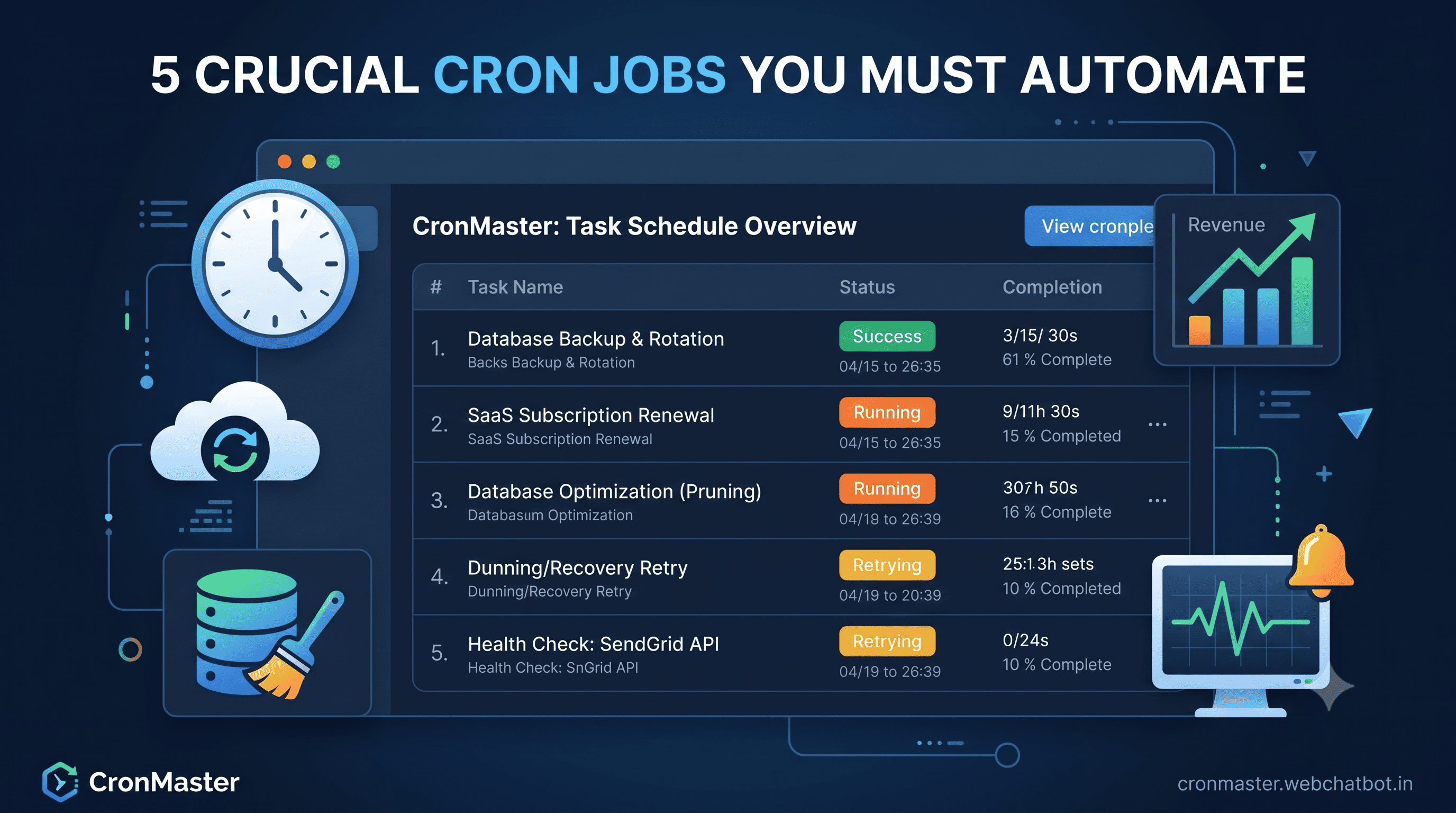
Here are 5 essential cron jobs you should automate right now to streamline your operations, secure your data, and scale your business.
1. Database Backups & Rotations
Recommended Schedule: Daily or Hourly (0 0 )*
Your data is your most valuable asset. Relying on manual backups or assuming your cloud provider "has it handled" is a dangerous strategy.
- What to automate: A script that dumps your SQL/NoSQL database, compresses it, transfers it to secure cloud storage (like AWS S3 or Google Cloud Storage), and purges backups older than 30 days.
- Why it matters: If a deployment goes wrong or a malicious attack occurs, having an automated, verified restore point saves your business from catastrophic data loss.
2. Automated Billing & Subscription Renewals
Recommended Schedule: Daily at Midnight (0 0 )*
For any SaaS or subscription-based business, cash flow depends entirely on timely billing. You can't afford to miss a renewal cycle.
- What to automate: A cron job that scans your database for users whose subscriptions expire today, processes their payment via your gateway (Stripe, PayPal, etc.), and updates their account access status.
- Why it matters: Automating this ensures seamless, uninterrupted service for your customers while guaranteeing your revenue is collected precisely on time.
3. Database Optimization & Cache Cleansing
Recommended Schedule: Weekly during low-traffic hours (0 2 0 - Sunday at 2 AM)
As your application grows, your database accumulates digital "dust"—expired session tokens, soft-deleted records, and bloated log files that slow down query times.
- What to automate: Scripts that prune expired user sessions, clear temporary application caches, and optimize database indexes.
- Why it matters: Regular automated maintenance keeps your application running at peak performance, reducing server costs and providing a faster user experience.
4. Failed Payment Recovery (Dunning Management)
Recommended Schedule: Every 12 to 24 Hours (0 /12 )
When a customer's credit card fails, it shouldn't mean an immediate cancellation. An automated recovery workflow keeps your churn rate low.
- What to automate: A background job that identifies recently failed invoices, automatically retries the card based on a smart retry schedule, and triggers automated, friendly email reminders to the user to update their billing details.
- Why it matters: Automated dunning management recovers up to 30% of failed payments without requiring a single manual support email from your team.
5. Automated System Health & External API Monitoring
Recommended Schedule: Every 5 Minutes (/5 )*
Your platform likely relies on multiple third-party APIs (transactional emails, SMS gateways, geocoding tools). If one of them goes down, your users will notice immediately.
- What to automate: A lightweight script that pings your critical internal microservices and external API dependencies to verify they are returning a 200 OK status.
- Why it matters: By automating uptime checks, you catch third-party outages before your customers do, allowing your team to pivot or deploy fallbacks instantly.
The Hidden Danger of Unmonitored Cron Jobs
Setting up these 5 cron jobs is only half the battle. The real danger is silent failure.
Traditional server-side cron jobs fail quietly. If a script crashes due to a memory limit, a changed API endpoint, or a network hiccup, standard server setups won't tell you. You might only find out weeks later when you realize your database hasn't been backed up for a month.
Never Miss a Critical Task with CronMaster
This is exactly why we built CronMaster. We provide a centralized, reliable automation hub that doesn't just trigger your HTTP requests and scripts—it watches over them.
- Instant Failure Alerts: Get notified via Slack, email, or SMS the second a cron job fails or times out.
- Execution History & Logs: Deep-dive into exactly why a script failed with comprehensive execution logs.
- Auto-Retry Capabilities: Automatically retry failed jobs to ensure temporary network blips don't disrupt your business operations.
Ready to bulletproof your business automation? Create your free CronMaster account today and automate your first cron job in less than 5 minutes.