A cron job allows you to run a task automatically at a specific time or interval. Traditionally, developers configure cron jobs directly on a Linux server using crontab. While this works, managing multiple cron jobs can quickly become difficult—especially when you need execution history, failure tracking, retries, timezones, and a simple way to monitor everything.
A free cron job scheduler such as CronMaster provides a simpler way to schedule and monitor web-based tasks from a centralized dashboard.
In this guide, we will explain what cron jobs are, how online cron job schedulers work, what you can automate, and how to create and monitor a free cron job online.
1. What Is a Cron Job?
A cron job is an automated task that runs according to a predefined schedule.
For example, you might want to:
- Run a PHP script every hour
- Check an API every 5 minutes
- Generate a daily report
- Synchronize inventory every night
- Refresh website data
- Run a maintenance task every day
- Trigger a webhook at a specific time
- Check whether an external service is responding
Instead of manually running these tasks, you configure a schedule and let the system execute them automatically.
A traditional Linux cron expression might look like:
``text /5 * ``
This means the task should run every 5 minutes.
Another example:
``text 0 0 * ``
This runs a task every day at midnight.
Cron jobs are particularly useful because they remove repetitive manual work and make recurring processes more predictable.
2. What Is a Free Cron Job Scheduler?
A free cron job scheduler is an online service that allows you to create and manage scheduled tasks without manually configuring every job on your server.
Instead of logging into your server and editing a crontab file, you can add a URL or task, select a schedule, and let the scheduler trigger it automatically.
For example, suppose your website has this endpoint:
``text https://example.com/daily-report.php ``
You can configure a scheduled job to call that URL every day.
The scheduler sends the request according to your selected schedule and records the result.
This becomes particularly useful when you have multiple websites, APIs, webhooks, or PHP tasks that need to run regularly.
3. Why Use an Online Cron Job Scheduler?
Traditional server cron jobs are useful, but they can become difficult to manage as the number of scheduled tasks grows.
With an online scheduler, you can manage your jobs from a centralized dashboard.
Centralized management
Instead of maintaining cron configurations across different servers, you can keep your scheduled web tasks in one place.
Execution history
Knowing that a cron job exists is not enough. You also need to know whether it actually ran successfully.
CronMaster provides execution history where you can review status codes, durations, failures, retries, and responses.
Failure visibility
A scheduled task can fail because of an unavailable API, server error, timeout, application bug, or network problem.
Monitoring makes these failures easier to identify.
Easier scheduling
CronMaster provides a guided schedule builder and timezone-aware scheduling, helping reduce mistakes when jobs need to run at specific local times.
Less server maintenance
For supported web-based tasks, you can trigger a public HTTP or HTTPS endpoint instead of configuring a separate server-side cron entry for every task.
4. How to Create a Free Cron Job Online
Creating a cron job does not have to be complicated.
With CronMaster, the basic process is straightforward.
Step 1: Prepare Your URL
First, identify the URL or endpoint you want to run automatically.
For example:
``text https://example.com/cron/update-products.php ``
The endpoint should be publicly reachable from the scheduler's server.
CronMaster supports public HTTP/HTTPS URLs, webhooks, and direct PHP task URLs.
Step 2: Add Your Cron Job
Create a new scheduled job and enter the endpoint you want CronMaster to call.
Step 3: Select Your Schedule
Choose how frequently the task should run.
For example:
- Every minute
- Every 5 minutes
- Every hour
- Every day
- Specific days
- A specific time
CronMaster currently provides a 1-minute minimum schedule interval on its platform.
Step 4: Select the Timezone
Timezone selection is important when your business operates in a specific region.
For example, a task scheduled for 9:00 AM should run at 9:00 AM in the timezone you actually intend—not at an unexpected time because of server timezone differences.
CronMaster stores the selected timezone with the schedule to help avoid manual timezone conversion mistakes.
Step 5: Monitor the Results
Once the job starts running, you can review its execution history.
You can see information such as:
- Status
- Response
- Duration
- Failures
- Retries
- Execution history
This makes troubleshooting much easier than searching through server logs manually.
5. What Can You Automate With a Free Cron Job?
Cron jobs are useful for much more than simple scripts.
Here are some common examples.
Website Maintenance
You can automatically run maintenance tasks such as:
- Cleaning temporary data
- Updating records
- Processing queues
- Refreshing cached data
- Running scheduled maintenance scripts
API Monitoring
You can periodically call an API endpoint and keep a history of its responses.
For example:
``text https://api.example.com/health ``
Running this every few minutes can help you identify problems before they become larger issues.
Data Synchronization
Businesses often need to synchronize data between systems.
Examples include:
- Product inventory
- Orders
- Customer information
- Stock levels
- Pricing
- ERP data
- Third-party APIs
A scheduled endpoint can initiate these synchronization processes automatically.
Reports
You can schedule a URL that generates a report every day or week.
For example:
``text https://example.com/reports/daily-sales.php ``
Webhooks
Webhooks can also be triggered according to a schedule.
This can be useful for internal workflows, integrations, notifications, and automated processes.
PHP Tasks
If your PHP application exposes a public task URL, it can be triggered automatically according to your selected schedule.
6. Free Cron Jobs for PHP Websites
PHP applications frequently use scheduled background tasks.
For example, a website might contain:
``text https://example.com/cron/process-orders.php ``
Instead of manually opening the URL, a scheduler can call it automatically.
You could configure it to run:
``text Every 10 minutes ``
or:
``text Every hour ``
or:
``text Every day at 2:00 AM ``
This can be useful for:
- Order processing
- Email queues
- Database cleanup
- Inventory synchronization
- Report generation
- Subscription checks
- API synchronization
- Scheduled notifications
CronMaster specifically supports direct PHP task URLs when the target is publicly reachable.
7. Why Cron Job Monitoring Matters
Scheduling a task is only one part of automation.
The bigger question is:
Did the task actually work?
Imagine you schedule a database synchronization job every hour.
Everything works for several days.
Then an API changes its response format.
Your scheduled request continues to execute, but your application starts returning an error.
Without monitoring, you may not notice the problem immediately.
This is why cron job monitoring is important.
A good monitoring system should help you answer:
- Did the job run?
- When did it run?
- Was it successful?
- What response did it return?
- How long did it take?
- Did it fail?
- Was it retried?
- How many times has it failed?
CronMaster keeps this execution information available from its dashboard.
8. Cron Job Logs and Execution History
Execution history is one of the most useful features when managing scheduled tasks.
Suppose a job suddenly starts failing.
Instead of trying to reproduce the problem manually, you can inspect previous executions and compare the results.
CronMaster's execution history includes information such as status codes, durations, failures, retries, and responses.
For developers, this can make debugging scheduled applications significantly easier.
It also helps answer an important operational question:
When was the last successful execution?
9. What Happens When a Cron Job Fails?
Cron jobs can fail for many reasons.
Common causes include:
- Server errors
- API downtime
- Network problems
- Application bugs
- Invalid URLs
- Authentication problems
- Database errors
- Timeouts
- Unexpected API responses
A reliable scheduler should not simply execute a request and forget about it.
CronMaster records failed runs with status information, while retry settings can help recover from temporary problems automatically.
This is especially useful for tasks where a temporary network problem should not permanently interrupt an automated workflow.
10. Cron Job Scheduling and Timezones
Timezone problems are surprisingly common with scheduled tasks.
For example, your business may operate in India while your server is configured for another timezone.
You want:
``text 9:00 AM IST ``
but your server may interpret the schedule differently.
This can result in reports being generated at the wrong time, synchronization jobs running too early, or business processes starting outside their intended window.
CronMaster provides timezone-aware scheduling so you can select the timezone associated with your schedule rather than manually converting times.
This becomes particularly important for:
- International teams
- Global SaaS applications
- Multi-region websites
- E-commerce businesses
- Scheduled reports
- Marketing automation
11. Free Cron Job Scheduler vs Traditional Server Cron
Both approaches have their place.
Traditional Server Cron
Traditional cron is configured directly on a server.
For example:
``text /5 * php /var/www/html/task.php ``
It is powerful and works well for server-side processes.
However, managing many jobs across multiple servers can become difficult.
Online Cron Job Scheduler
An online scheduler provides a centralized interface for scheduled web tasks.
Instead of managing every configuration manually, you can manage jobs through a dashboard.
This can be particularly convenient for:
- Website owners
- Freelancers
- Agencies
- SaaS founders
- Developers
- Small teams
- Businesses managing multiple websites
The right choice depends on your infrastructure and use case. For web-accessible endpoints, an online scheduler can provide a simpler monitoring workflow.
12. How CronMaster Helps Manage Cron Jobs
CronMaster is designed to keep scheduled tasks simple and visible.
Its dashboard brings scheduling, execution history, retries, and failures into one place.
Some of the key capabilities include:
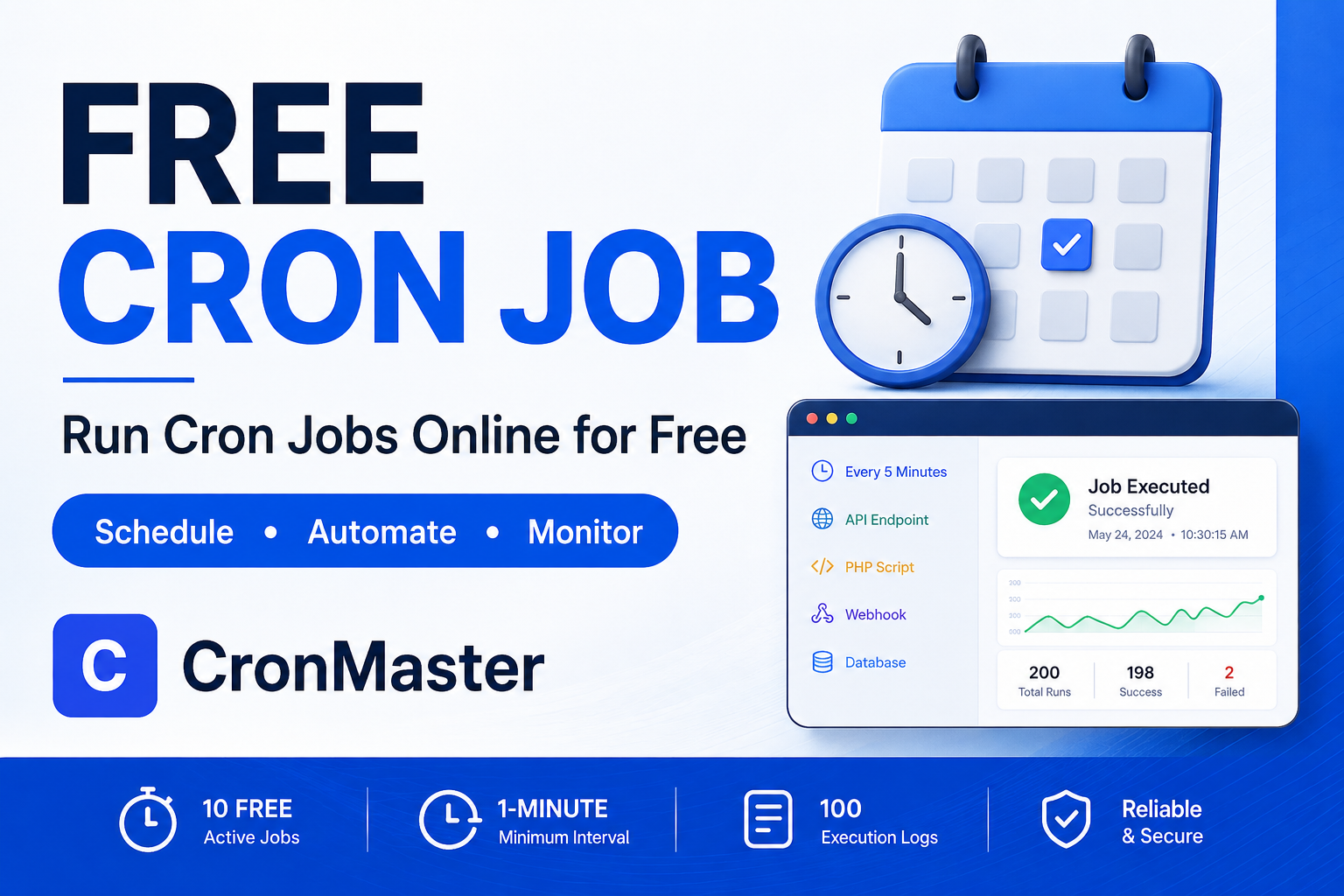
- 10 free active cron jobs
- 1-minute minimum schedule interval
- 100 execution logs included
- Timezone-aware scheduling
- Execution history
- Retry support
- Failure tracking
- HTTP and HTTPS URLs
- Webhook support
- Direct PHP task URLs
The goal is simple: schedule your task, track every execution, and recover faster when something goes wrong.
13. Examples of Cron Jobs You Can Create
Here are some practical examples.
Example 1: Website Health Check
``text https://example.com/health-check ``
Schedule:
``text Every 5 minutes ``
Use it to regularly check whether your website or application endpoint is responding.
Example 2: Daily Report
``text https://example.com/cron/daily-report.php ``
Schedule:
``text Every day at 8:00 AM ``
Example 3: Product Synchronization
``text https://example.com/cron/sync-products.php ``
Schedule:
``text Every 30 minutes ``
Example 4: Database Maintenance
``text https://example.com/cron/maintenance.php ``
Schedule:
``text Every day at 2:00 AM ``
Example 5: API Check
``text https://api.example.com/health ``
Schedule:
``text Every 5 minutes ``
These are simple examples, but the same approach can be used for many recurring web-based workflows.
14. Common Cron Job Problems
Even a correctly configured cron job can encounter problems.
Problem 1: The Job Never Runs
Check:
- URL accessibility
- Schedule configuration
- Timezone
- Server response
- Authentication requirements
Problem 2: The Job Runs but Returns an Error
Check the endpoint response and application logs.
An HTTP error may indicate an application or server-side issue.
Problem 3: The Job Times Out
Long-running scripts may exceed the allowed execution time.
Consider optimizing the task or splitting a large process into smaller jobs.
Problem 4: The Job Works Manually but Not Automatically
This can happen when the application behaves differently depending on how the request is made.
Check:
- Authentication
- Request headers
- Environment variables
- URL accessibility
- Server restrictions
Problem 5: You Don't Know When It Failed
This is where execution history becomes valuable.
Instead of discovering the problem days later, you can inspect the recorded execution status and response.
15. Best Practices for Cron Jobs
Following a few simple practices can make your automation more reliable.
Keep tasks focused
Instead of creating one huge task that does everything, consider breaking complex workflows into smaller jobs.
Choose appropriate intervals
Not every task needs to run every minute.
Use an interval that makes sense for the actual business requirement.
Monitor failures
A scheduled job that silently fails can be worse than a task that does not exist because you may assume the automation is working.
Review execution history
Periodically check your important jobs to make sure they are completing successfully.
Use timezone-aware schedules
Always confirm that the schedule uses the correct timezone.
Make tasks repeatable
Where possible, design tasks so that running them again does not create duplicate or inconsistent data.
16. Who Should Use a Free Cron Job Scheduler?
A free cron job scheduler can be useful for many different types of users.
Developers
Developers can schedule APIs, PHP endpoints, maintenance tasks, and automated checks.
Freelancers
Freelancers managing multiple client websites can keep scheduled tasks organized instead of configuring every server individually.
Agencies
Agencies can use centralized scheduling for recurring website maintenance and integrations.
SaaS Founders
SaaS applications often have recurring tasks such as synchronization, billing checks, reports, and health checks.
E-commerce Businesses
E-commerce websites can automate inventory synchronization, feeds, reports, and other recurring processes.
Website Owners
Even without advanced server knowledge, website owners can use scheduled URLs to automate repetitive tasks.
17. Why Choose CronMaster?
Managing cron jobs should not require constantly opening a terminal or searching through server logs.
CronMaster focuses on the core things you need:
Schedule → Execute → Monitor → Retry → Review
You can add a public endpoint, select a schedule and timezone, and then monitor the resulting executions from a centralized dashboard.
For users getting started, CronMaster currently offers 10 free active cron jobs and 100 execution logs, making it possible to start automating without immediately committing to a paid setup.
Whether you are monitoring an API, running a PHP task, triggering a webhook, or maintaining a website, the goal is to make scheduled automation easier to manage.
18. Start Using a Free Cron Job Scheduler
Cron jobs are one of the simplest ways to automate repetitive tasks.
But as your number of scheduled jobs grows, simply creating cron entries is no longer enough. You also need visibility into executions, failures, retries, responses, and scheduling.
A free cron job scheduler gives you a convenient way to start automating these tasks online.
With CronMaster, you can create scheduled jobs, select timezones, monitor execution history, review failures, and manage your web-based automation from one dashboard.
If you have a website, API, PHP application, SaaS product, or internal tool with repetitive tasks, now is a good time to automate them.
Start Your Free Cron Jobs With CronMaster
Create your first monitored job and start automating your recurring web tasks.
CronMaster — Keep your cron workflow clean, monitored, and reliable.
Frequently Asked Questions
Is CronMaster free?
Yes. CronMaster currently provides 10 free active cron jobs and 100 execution logs as part of its free offering.
What is the minimum cron interval?
CronMaster currently supports a minimum schedule interval of 1 minute.
Can I schedule a PHP script?
Yes. CronMaster supports publicly reachable PHP task URLs.
Can I schedule an API?
Yes. You can schedule publicly reachable HTTP or HTTPS endpoints and monitor their execution results.
Can I schedule webhooks?
Yes. Webhook URLs can be scheduled as long as the target is reachable from the scheduler.
Does CronMaster support timezones?
Yes. CronMaster provides timezone-aware scheduling so you can associate a schedule with the intended timezone.
Can I see whether my cron job succeeded?
Yes. Execution history provides status information, response details, durations, failures, and retries.
What happens if a cron job fails?
Failed runs are recorded, and retry settings can help recover from temporary failures.
Is an online cron job scheduler useful for developers?
Yes. It can simplify management and monitoring of recurring HTTP/HTTPS endpoints, APIs, webhooks, and PHP tasks, especially when you manage multiple applications or websites.
Final Thoughts
A cron job can save hours of repetitive work, but reliable automation requires more than simply setting a schedule.
You need to know that the job ran, understand what happened when it failed, and have a clear history of previous executions.
That is why a free cron job scheduler with monitoring can be useful for modern websites, APIs, SaaS applications, and e-commerce systems.
Start with a few important tasks, monitor their results, and gradually automate more of your workflow.
Automate the repetitive work. Monitor the important tasks. Spend your time building instead of checking cron jobs manually.